1
Access Your Account
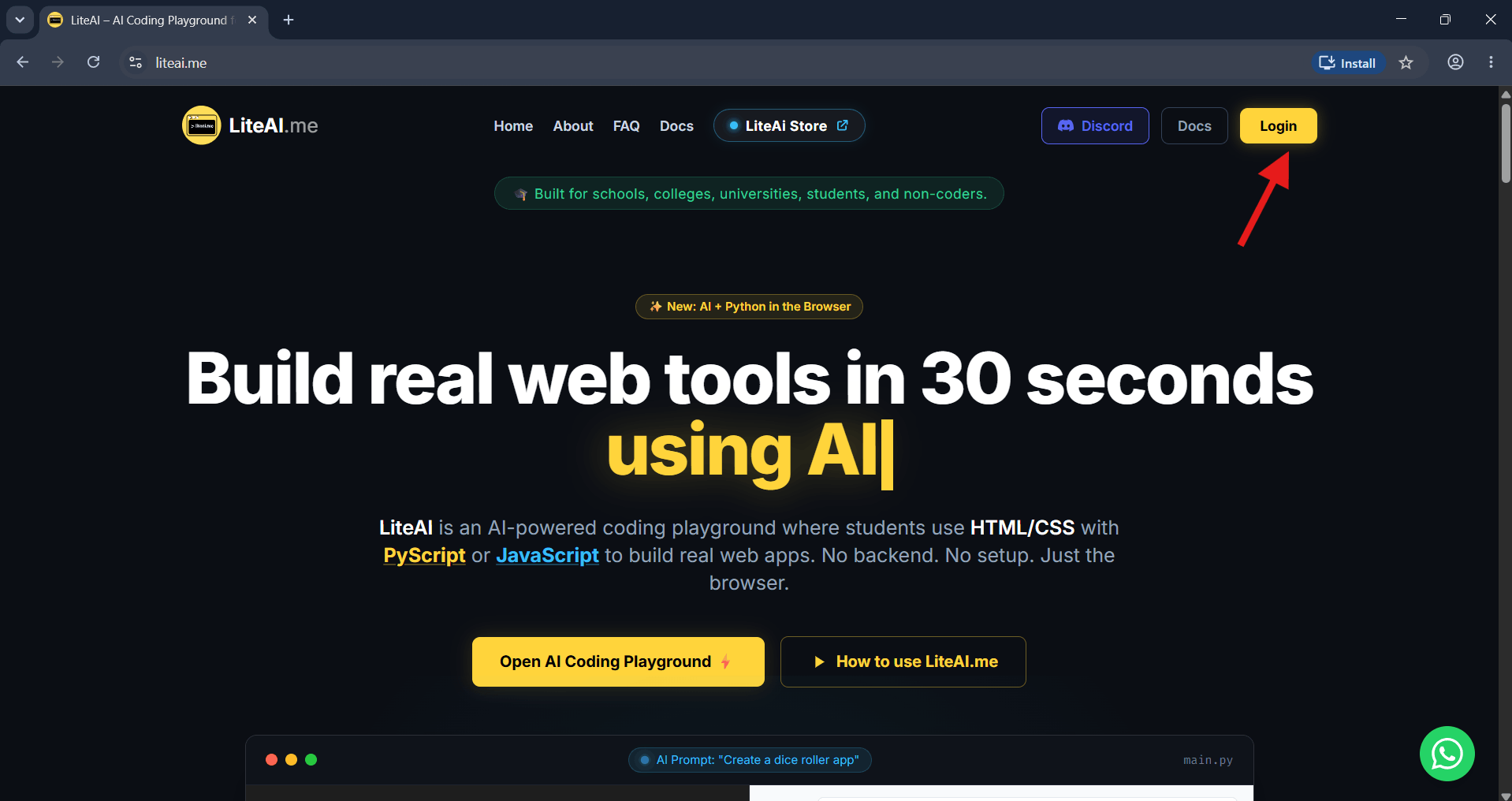
Go to the homepage and hit the Login button at the top right to sign in to your workspace.
Looking for a fast HTML to APK solution? This complete walkthrough shows you how to generate HTML code via AI and package it directly into a native Android application.
To perform an HTML to APK conversion using LiteAI: Log into the dashboard, initialize a cloud environment, and utilize the Ask LiteAI assistant to generate your web app code. After previewing your project, click the Convert Android App feature, set your device permissions, and initiate the cloud build process to download your final APK or AAB file.
Go to the homepage and hit the Login button at the top right to sign in to your workspace.
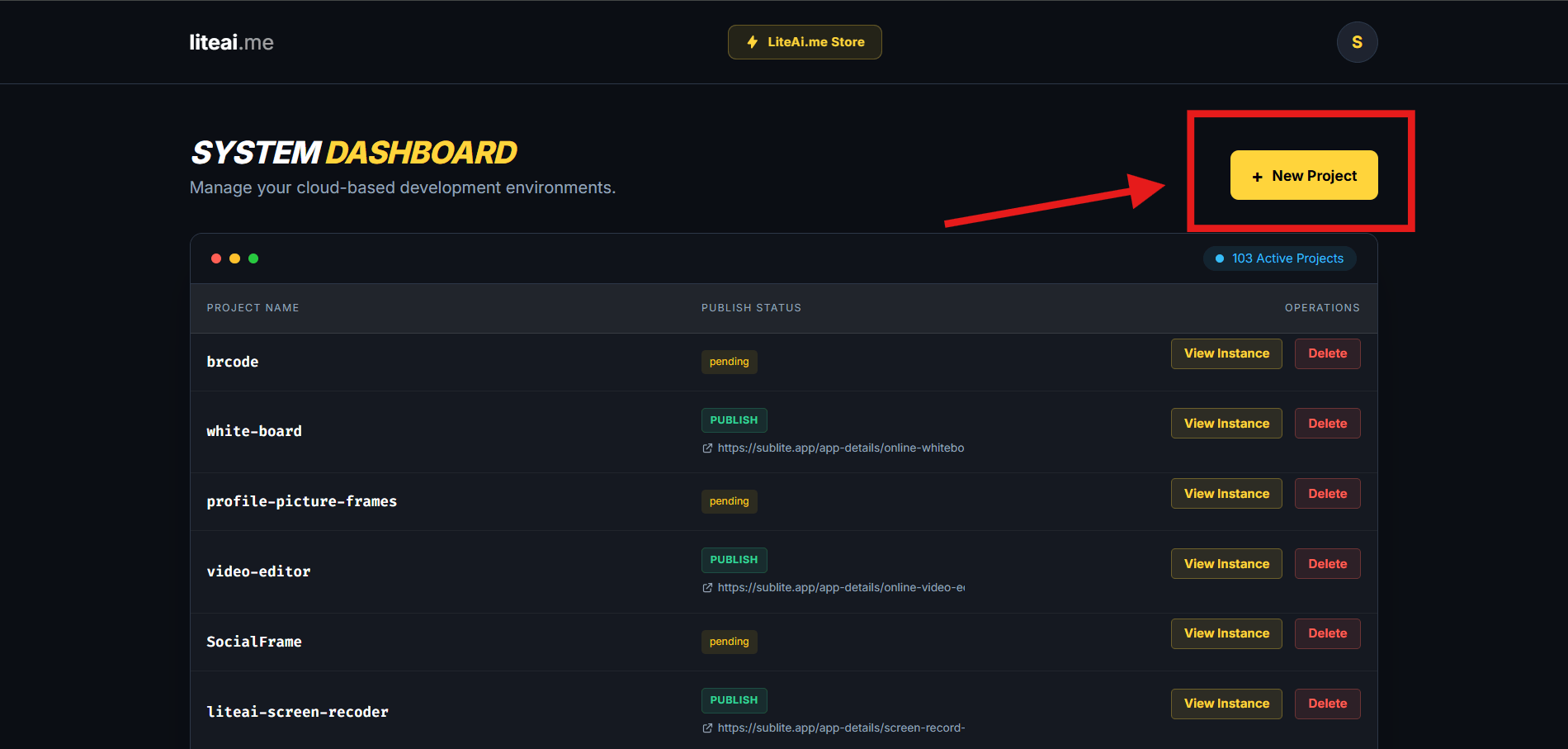
From your main dashboard, click the + New Project button to spin up a fresh cloud workspace tailored for HTML to APK building.
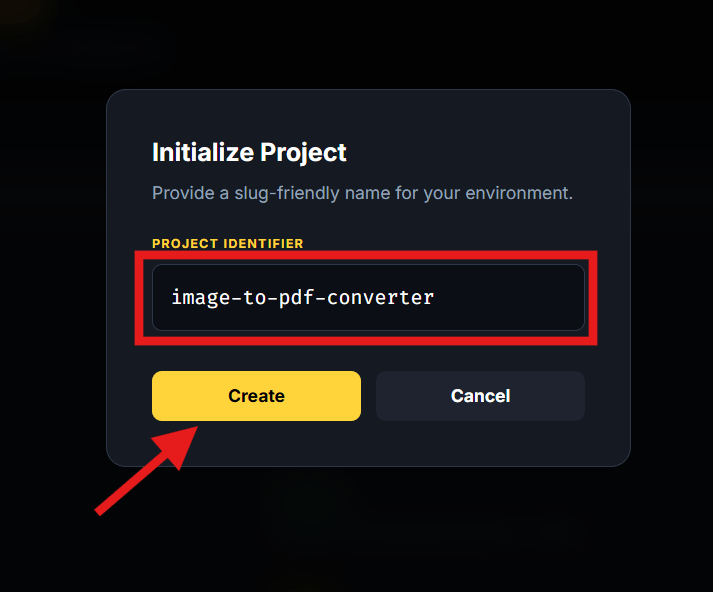
In the popup modal, type a unique, slug-friendly name for your project (e.g., image-to-pdf-converter) and hit Create.
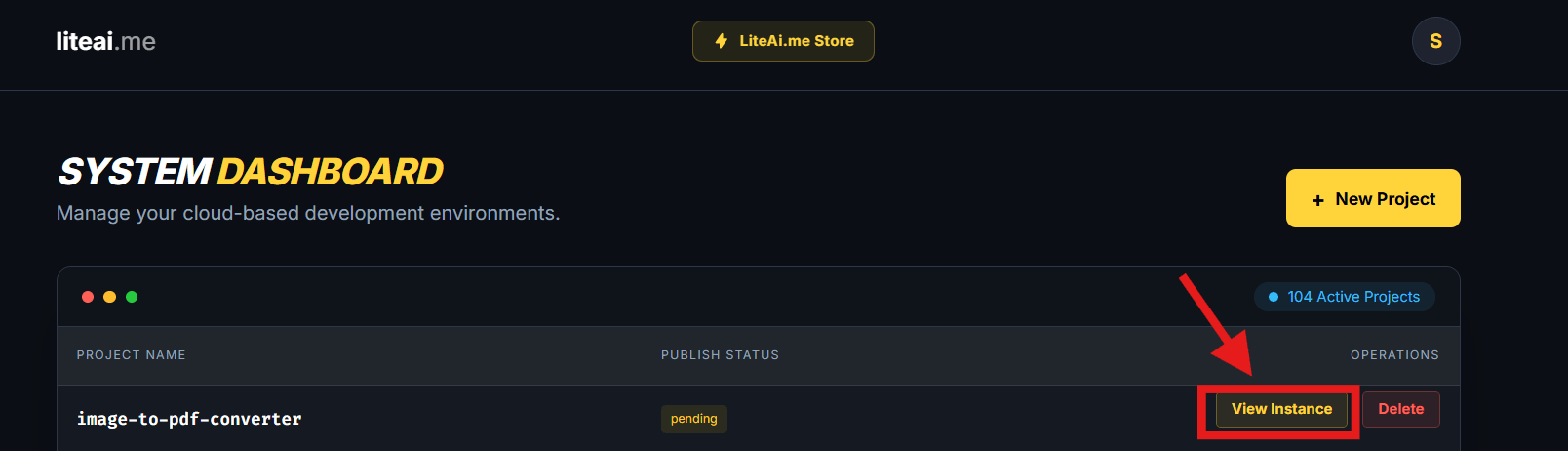
Find your newly created app in the Active Projects list and click View Instance to launch the code editor.
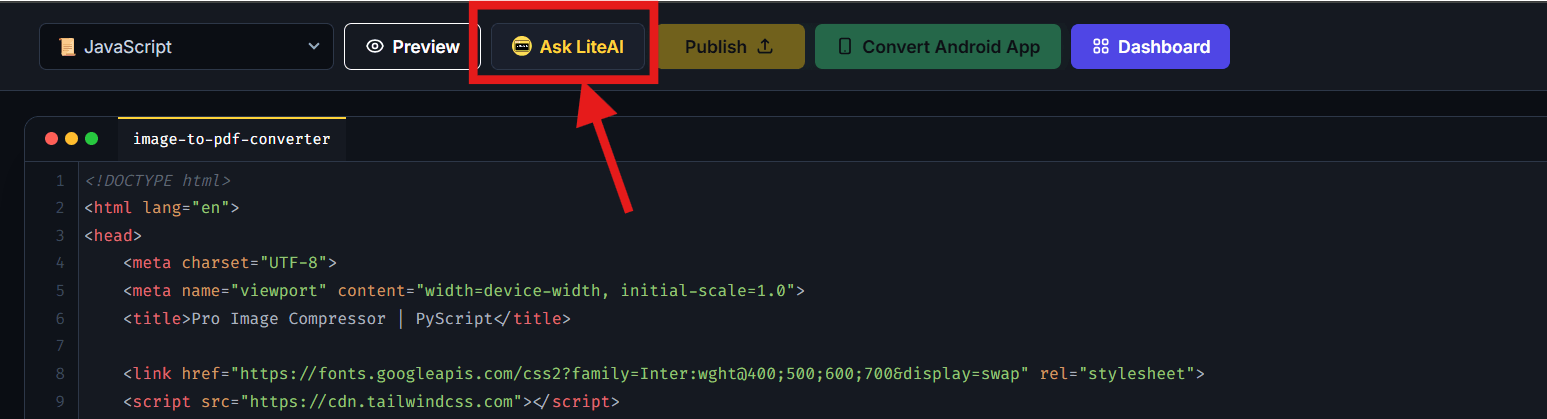
Inside your workspace, locate the Ask LiteAI button in the top menu to get AI-powered coding help.
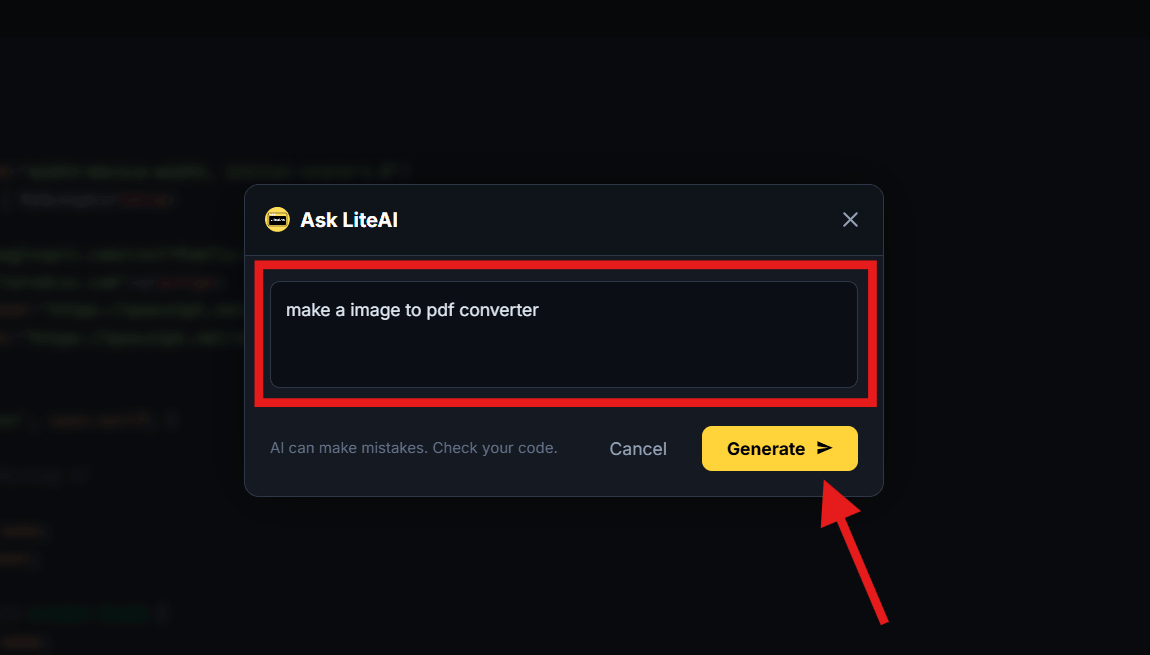
Type exactly what you want to build (like "create an image to pdf tool") and click Generate > to let the AI write the HTML code for you.
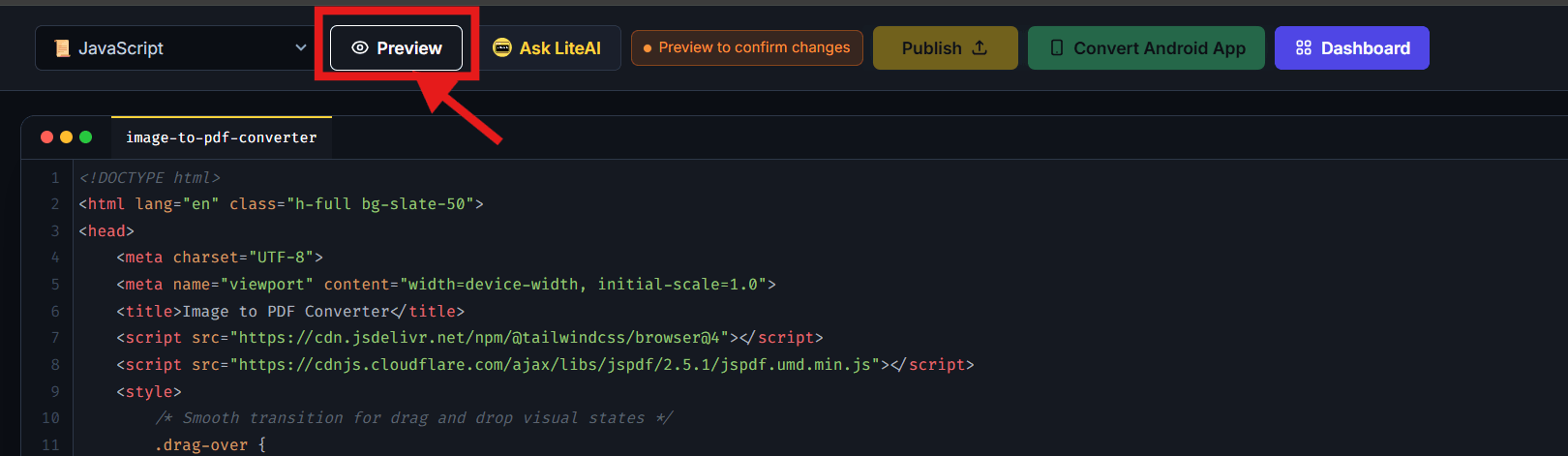
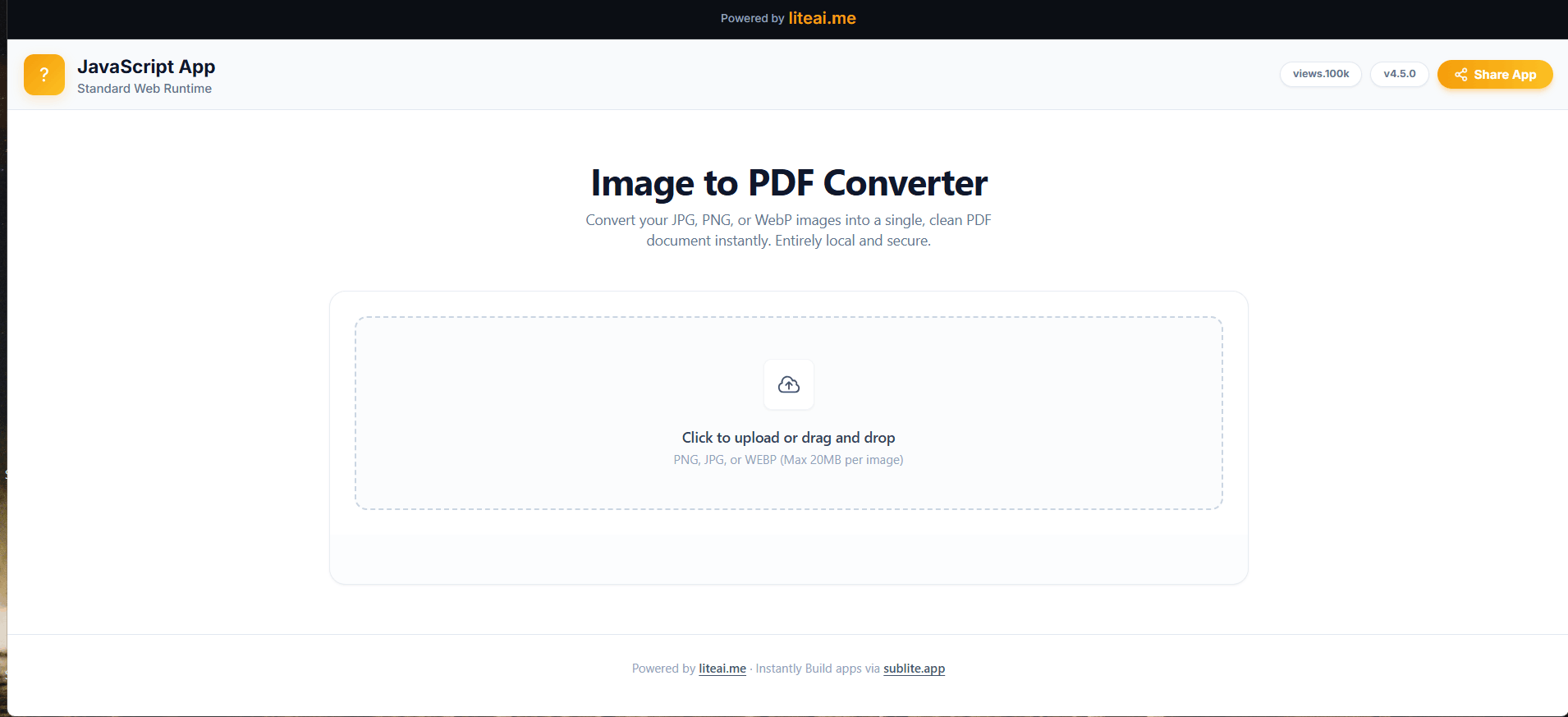
Once the code appears, click Preview in the navigation bar to see your web application running live.
Interact with your generated web app in the preview panel to make sure all features and layouts work properly before conversion.
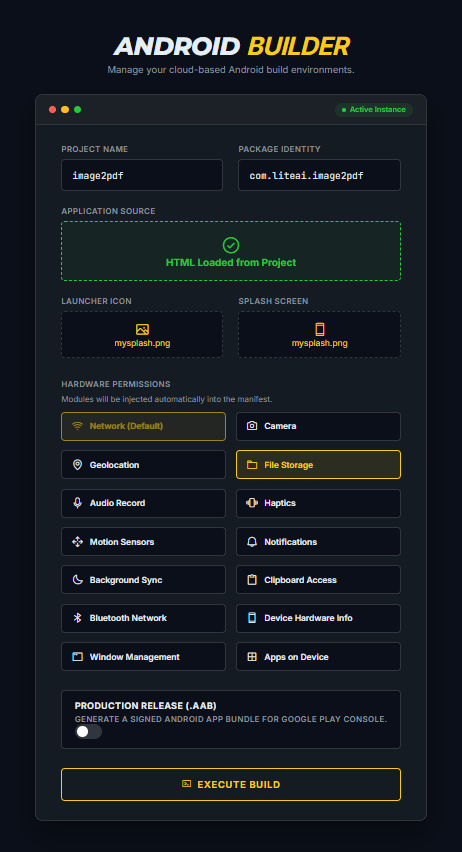
Click the green Convert Android App button. Here, verify your package details, select the necessary device permissions, and press EXECUTE BUILD.
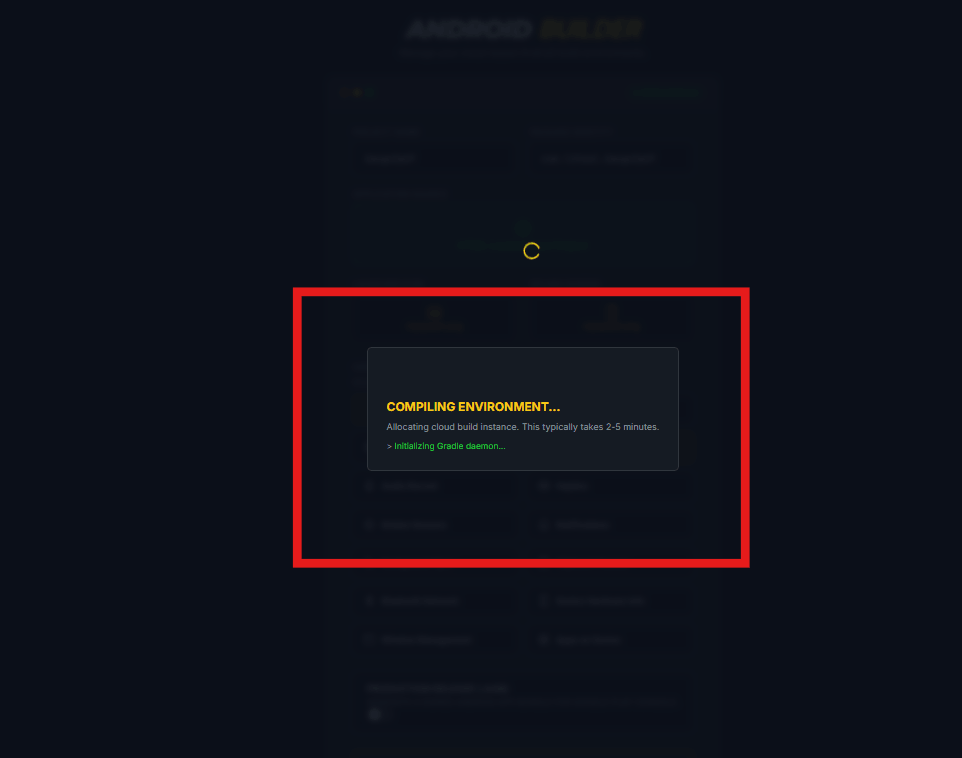
Wait a few moments while the system allocates resources and the remote daemon securely processes your HTML to APK conversion format.
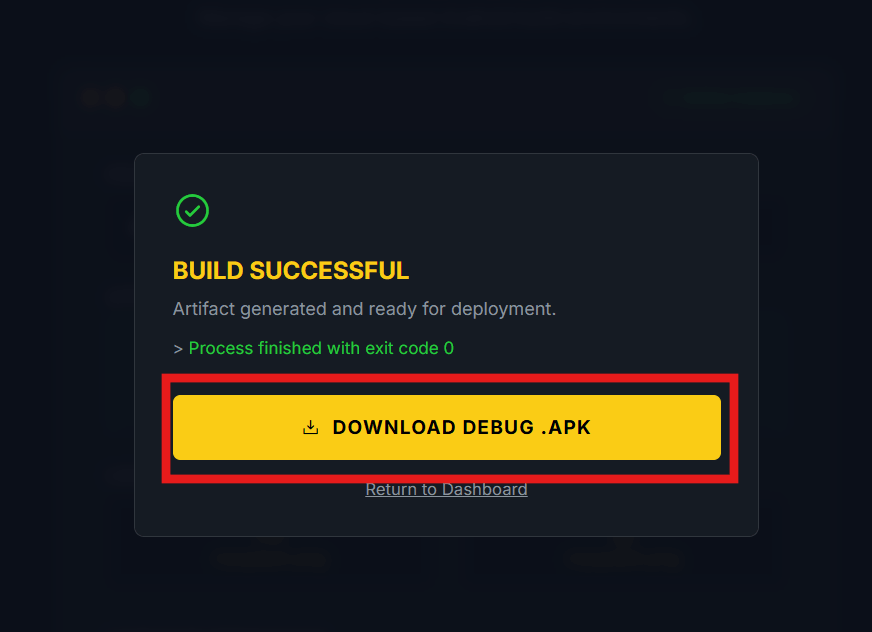
When finished, you can immediately download the generated .APK or .AAB file to deploy on your Android device or the Google Play Store.